
Corporate Video Editing: A Practical Guide for Marketing Teams
Learn how corporate video editing works, what to look for in a corporate video editor, and how to streamline business video editing for better results.
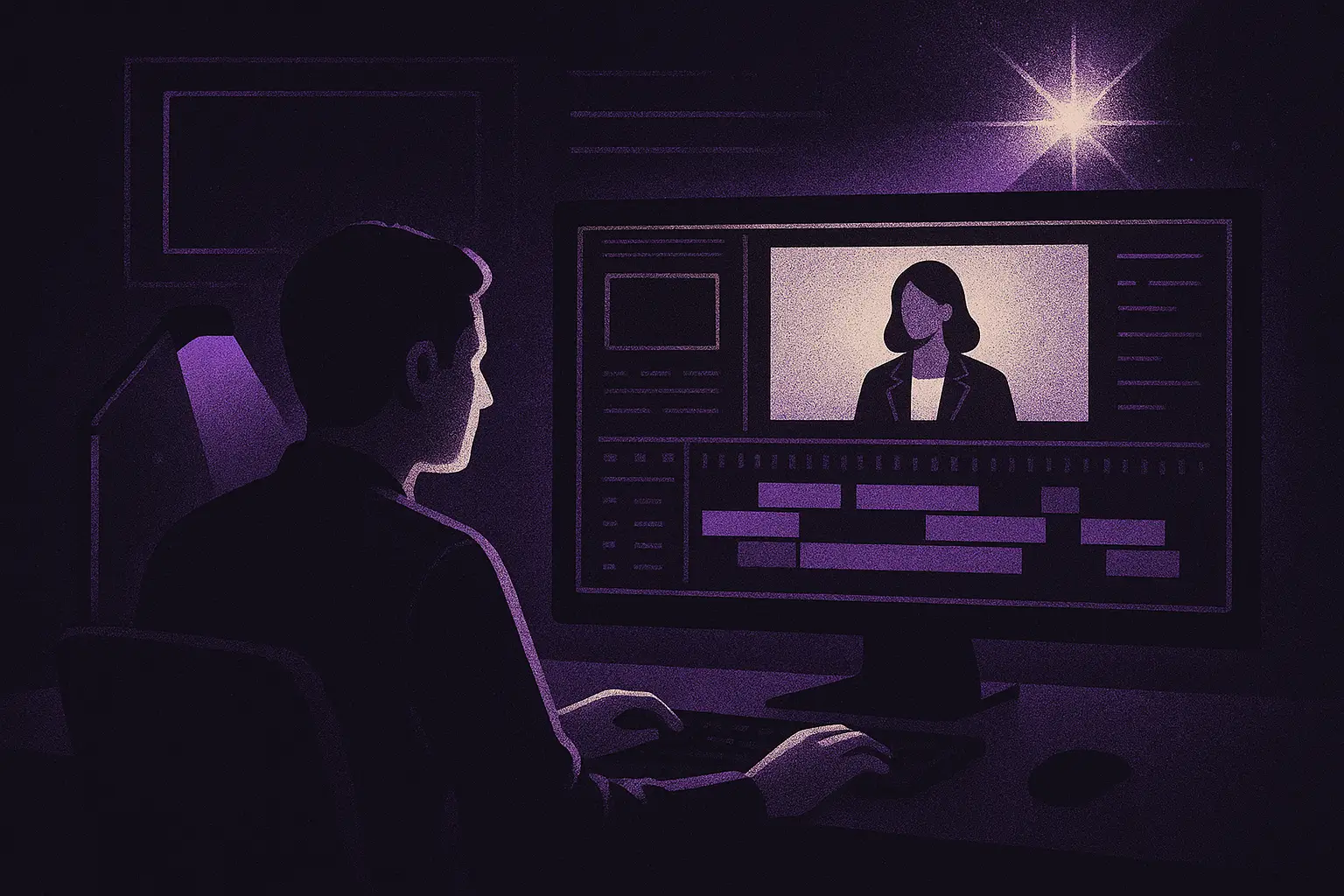
Whether you're producing a quarterly company update, a product launch video, or a series of client testimonials, the editing phase is where raw footage becomes something worth watching. Corporate video editing is often underestimated — teams spend days planning and shooting, then rush the edit. The result is footage that looks fine but doesn't move anyone. This guide covers what separates effective business video editing from average work, and how to set your team up to produce videos that actually perform.
What Makes Corporate Video Editing Different
Editing a corporate video isn't the same as cutting a wedding film or a YouTube vlog. The stakes are different, the audiences are more specific, and the goals are usually tied to measurable outcomes — lead generation, employee engagement, investor confidence, or brand perception.
A few things define good corporate video editing:
- Clarity over creativity. The message has to land cleanly. A clever transition that confuses the viewer isn't an asset.
- Brand consistency. Colors, fonts, music tone, and pacing should feel consistent with other brand assets.
- Respecting attention spans. Business audiences are busy. A two-minute video needs to justify every second.
- Professional audio. In corporate settings, bad audio is a credibility killer. Noise reduction and proper leveling are non-negotiable.
The best corporate video editors understand these constraints and use them as creative parameters rather than limitations.
Core Elements of Effective Business Video Editing
1. Structure and Story Arc
Even a three-minute internal training video benefits from a clear structure: setup, conflict or challenge, resolution. Before touching the timeline, a good editor maps out what the video is trying to accomplish and identifies which clips support that arc.
For marketing videos specifically, the first ten seconds carry enormous weight. If the opening doesn't answer "why should I keep watching?", viewers will leave. Editors should ruthlessly cut anything in the opening that doesn't hook or orient the audience.
2. Pacing
Pacing is the rhythm of the edit — how long shots hold before cutting, how quickly information is introduced. Corporate videos often err toward being too slow (too much b-roll held too long) or too fast (cutting before an idea settles).
A useful rule: cut on action or meaning, not on instinct. Ask whether each cut serves comprehension or just avoids holding a shot.
3. Graphics and Lower Thirds
Text overlays, lower thirds (the name/title identifiers), and motion graphics are staples of corporate video editing. Done well, they reinforce information without cluttering the frame. Done poorly, they look like PowerPoint slides animated in 2008.
Tips for clean graphics:
- Use no more than two font families
- Match motion graphic style to your brand guidelines
- Keep lower thirds on screen long enough to read comfortably — at least three seconds
- Avoid drop shadows unless they serve a clear legibility purpose
4. Color Grading
Color grading is where many corporate videos fall short. Footage shot across multiple days or locations often has inconsistent color temperature. A basic grade unifies the look and gives the video a polished, intentional feel.
You don't need a cinematic look — you need a consistent one. Tools like DaVinci Resolve (free tier available) make professional color work accessible even for in-house teams.
5. Music and Sound Design
Music sets emotional tone. For corporate video, royalty-free licensing platforms like Artlist, Musicbed, or Epidemic Sound offer large libraries with straightforward licensing for commercial use. Choose music that supports the message without competing with narration.
Sound design — the subtle layer of ambient sound, transitions, and audio sweetening — is often the difference between a video that feels polished and one that feels flat.
Choosing the Right Corporate Video Editor
Whether you're hiring a full-time editor, a freelancer, or working with an agency, knowing what to look for matters.
What to Evaluate in a Portfolio
Don't just look at visual quality. Ask:
- Does the pacing feel intentional?
- Are graphics consistent and readable?
- How is the audio — clean, well-leveled, and balanced with music?
- Does each video clearly communicate its core message within the first 30 seconds?
A corporate video editor's portfolio should ideally include content similar to what you're producing — not just highlight reels or music videos, which have entirely different rhythms and goals.
Freelancer vs. Agency vs. In-House
Freelancers offer flexibility and often strong value for individual projects. Look for editors on platforms like Contra, Toptal, or through referrals. Expect to spend time briefing them on brand guidelines.
Agencies handle larger scopes — end-to-end production and post-production — and bring project management with them. The tradeoff is higher cost and sometimes slower turnaround.
In-house editors make sense when your team produces high volumes of content regularly. The investment in salary and software pays off when you're editing more than a few videos per month.
The Brief Is Everything
Regardless of who edits your video, a clear brief saves time and money. A good video editing brief includes:
- Objective (what should the viewer feel, know, or do after watching?)
- Audience (who specifically is this for?)
- Runtime target
- Tone and style reference videos
- Delivery format and platform (LinkedIn, internal portal, broadcast, etc.)
- Brand guidelines or asset kit
- Deadline and revision rounds
Ambiguous briefs are the single biggest source of wasted revision cycles in business video editing.
Common Mistakes in Corporate Video Editing
Even experienced teams fall into predictable traps:
Over-relying on b-roll. B-roll (supplemental footage) supports the narrative — it shouldn't replace it. If a video is mostly b-roll with a voiceover layered on top, viewers may retain the visuals but forget the message.
Ignoring platform requirements. A video cut for a widescreen presentation will look wrong as a LinkedIn post. Always edit to the primary distribution platform, then adapt for secondary channels.
Too many cooks. Corporate videos often go through multiple rounds of stakeholder feedback. Establish a clear approval chain before editing begins. Feedback from five people simultaneously is harder to action than feedback from one decision-maker.
Skipping the audio mix. Many in-house editors do a visual cut and call it done. But a proper audio mix — balancing voice, music, and sound effects — takes additional time and is worth it.
Not exporting correctly. The wrong export settings can degrade quality noticeably. H.264 at a high bitrate is a safe standard for most web delivery. Check platform-specific recommendations (YouTube, Vimeo, LinkedIn all publish their own specs).
Tools Worth Knowing
The tool matters less than the editor's skill, but here's what's commonly used in professional corporate video editing:
- Adobe Premiere Pro — industry standard, strong integration with After Effects for motion graphics
- DaVinci Resolve — exceptional color tools, free tier is genuinely powerful
- Final Cut Pro — preferred by many Mac-based in-house teams for speed
- After Effects — for motion graphics, titles, and animated elements
- Frame.io — for collaborative review and approval workflows
For teams just starting out, CapCut or even Descript (which edits video by editing a transcript) can lower the barrier to entry for internal content.
Building a Repeatable Editing Workflow
Marketing teams that produce video consistently benefit from a documented workflow. That means:
- Asset organization — a standardized folder structure for footage, audio, graphics, and exports
- Template library — pre-built sequences for intros, outros, lower thirds, and transitions
- Style guide — documented color palette, font choices, and music tone
- Review process — defined stages for internal review and stakeholder approval
- Archive system — storing project files and exports in a way that makes future edits manageable
A repeatable system reduces rework and allows editors — whether in-house or freelance — to work faster on every subsequent project.
Conclusion
Corporate video editing is a discipline that rewards clarity, consistency, and craft. The technical skills matter, but so does understanding the business context — who's watching, what they need to feel or know, and where the video will live. Whether you're working with a dedicated corporate video editor or building an in-house capability, investing in a thoughtful process pays off every time you hit publish. Start with a strong brief, respect the edit's role in the production process, and treat audio with the same care you give visuals. The videos that work hardest for your brand are almost always the ones that were edited with intention, not just assembled from available footage.