
How to Give Video Edit Feedback Editors Can Actually Use
Learn how to give clear, actionable video edit feedback using timestamped notes, structured revision rounds, and specific language that editors can act on immediately.
Bad feedback wastes everyone's time. "Make it pop" or "something feels off" sends an editor back to their timeline with nothing to work with — and usually produces a second draft that's just as wrong as the first. If your team is churning through revision rounds without getting closer to a final cut, the problem often isn't the editor. It's the feedback.
This guide is for marketing teams, producers, and anyone who reviews edits but didn't go to film school. Follow these principles and your editors will thank you — and deliver better work, faster.
Start With a Clear Brief Before the First Frame Is Cut
The best video edit feedback starts before you ever see a draft. If your editor doesn't have a clear reference for what "good" looks like, you'll spend revision rounds correcting avoidable misalignments.
Before the edit begins, share:
- The goal of the video — is this a product explainer, a social ad, a documentary-style brand film?
- The intended platform — a 60-second Instagram Reel is cut differently than a 10-minute YouTube tutorial.
- Tone references — link to two or three videos that capture the feeling you're after.
- Must-haves and hard limits — brand colors, specific soundbites that need to stay in, content that's off-limits.
This isn't busywork. It dramatically reduces the number of revision rounds you'll need later.
The Golden Rule: Use Timestamped Notes
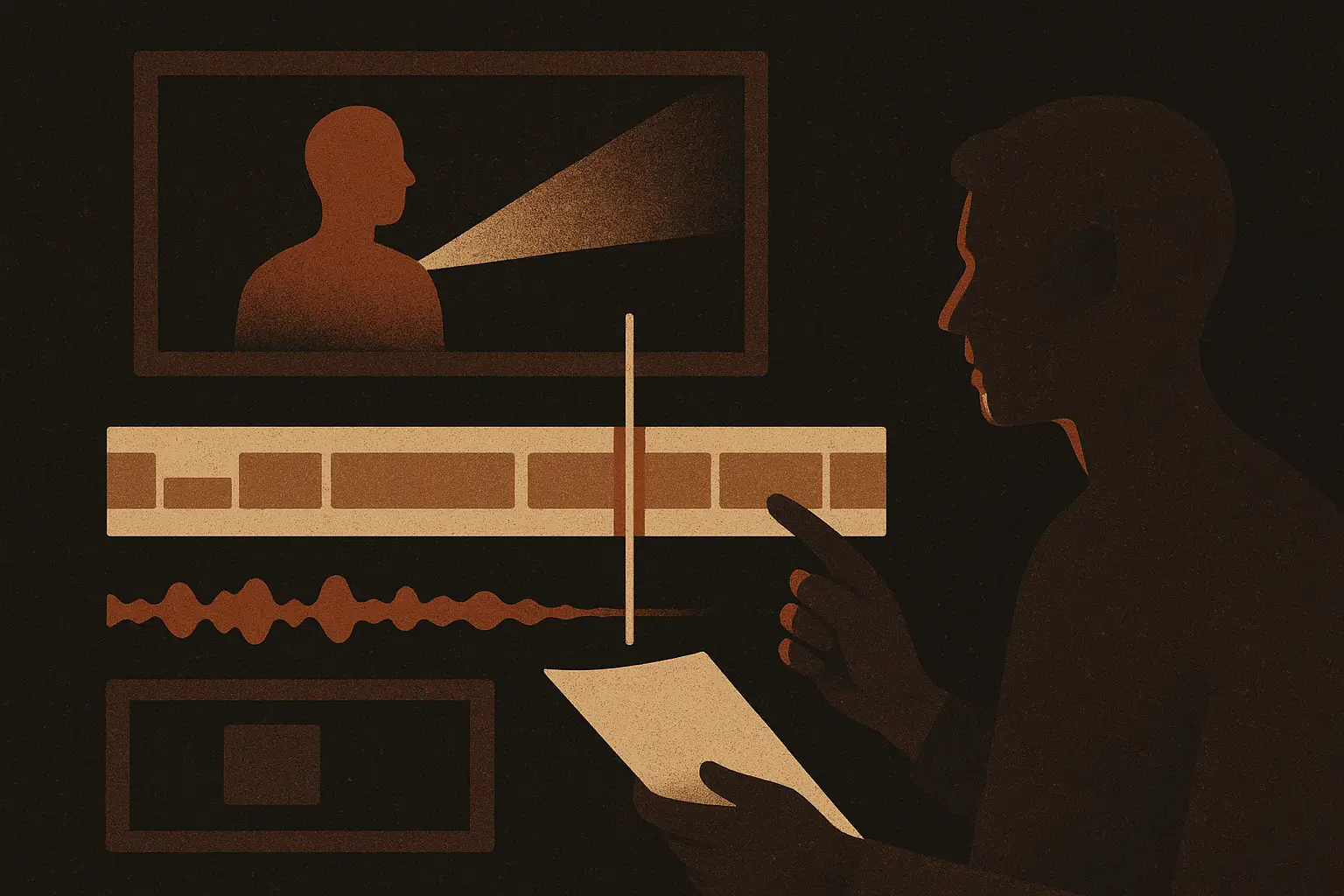
The single most effective habit you can adopt is leaving timestamped notes. Instead of "the music feels too loud in the middle section," write "1:23 — music is overpowering the voiceover here, can we duck it by about 30%?"
Timestamped notes:
- Remove ambiguity. Your editor knows exactly where to look.
- Speed up revisions. They can jump to each point without rewatching the entire cut.
- Create a paper trail. Both parties can refer back to what was asked for.
How to Leave Timestamped Notes Efficiently
Most video review tools make this easy. Platforms like Frame.io, Vimeo Review, and Wipster let you click on the timeline and type a comment that's pinned to that exact moment. If you're working with a shared Google Doc or email instead, just format your notes as a numbered list with timecodes:
0:08 — The opening title card stays on screen too long. Tighten to 2 seconds.
0:34 — Cut feels abrupt here. Consider a dissolve or an L-cut.
1:12 — Love this moment, keep it.
The "love this moment" note matters too. Telling an editor what's working is just as important as flagging problems. It prevents them from accidentally cutting something you valued when they're rearranging other sections.
Separate What You See From What You Feel From What You Want
This is the framework that transforms vague reactions into actionable direction. When you're watching a draft, your response might be emotional — "this doesn't feel exciting" — but your editor needs something concrete. Train yourself to break feedback into three layers:
1. Observation — Describe what you're seeing or hearing objectively. "The interview subject is on screen for 45 uninterrupted seconds without a cutaway."
2. Effect — Explain how it lands on you as a viewer. "It starts to feel slow and I found myself losing attention."
3. Direction — Suggest a solution, or invite the editor to propose one. "Can we cut to B-roll here, or do you have another idea for breaking this up?"
You don't always have to provide the solution — editors are creative problem-solvers. But giving your observation and effect gives them the why behind your feedback, which helps them make a better judgment call than if you just said "this is boring."
Avoid Prescribing the Tool, Describe the Problem
A common mistake non-editors make is specifying a technical fix when they should be describing an editorial problem. For example:
- ❌ "Add a fade to black at 2:10."
- ✅ "The transition at 2:10 feels jarring — something to smooth it out would help."
The first version locks the editor into one solution. The second invites them to use their craft. Maybe a fade to black is right. Maybe a sound design element solves it better. Your editor will often find a solution you wouldn't have thought of — if you give them room to.
That said, if there's a specific deliverable requirement ("this video must end on a black frame per our broadcast spec"), say so explicitly. There's a difference between creative direction and technical constraints.
Structure Your Revision Rounds
Unstructured feedback loops kill projects. You get a draft, email a few notes, get a revised draft, notice new things, add more notes — and suddenly you're on version 11 with no end in sight.
Structured revision rounds prevent this. Here's a simple three-round framework that works for most marketing videos:
Round 1: Structural Edit (Rough Cut)
Focus only on:
- Story structure and flow
- Pacing (is it too long? does it drag anywhere?)
- Whether the key messages land and in the right order
- Which footage should stay or go
Do not comment on: color, music choices, lower thirds, or graphics. These details don't matter until the structure is locked. Giving design feedback on a rough cut is like editing someone's word choice before they've finished their first draft.
Round 2: Fine Cut
Once structure is approved, focus on:
- Specific cuts and transitions
- Music timing and levels
- Graphic design and on-screen text
- Sound design and audio mix
Round 3: Final Polish
This round should be minor. If you're requesting structural changes in round 3, something went wrong in round 1. Final polish covers:
- Color grade approval
- Small text corrections
- Export format confirmation
Setting these expectations upfront — and sticking to them — makes revision rounds more efficient for everyone and keeps scope from creeping.
Consolidate Feedback Before Sending It
If three people on your team are reviewing an edit, don't send three separate feedback emails. Editors shouldn't have to reconcile conflicting notes or guess whose opinion takes priority.
Designate one person as the feedback owner. They collect input from all stakeholders, resolve any conflicts internally, and send a single, unified set of notes. This is a courtesy to your editor, but it also forces your team to get aligned — which often surfaces disagreements that would have caused problems in the next round anyway.
What Not to Do
A few habits that actively make video edit feedback less useful:
- Sending voice memos or verbal-only feedback. Editors can't ctrl-F a voice memo or refer back to it at 11pm.
- Giving feedback while multitasking. Watch the cut start to finish, once, without interruption. Then watch again and take notes.
- Reopening approved decisions. If you signed off on the structure in round 1, don't revisit it in round 2. It erodes trust and extends timelines.
- Framing personal taste as objective fact. "This music choice is wrong" is harder to work with than "this music doesn't match the energy we're going for — can we try something more upbeat?"
A Quick Template You Can Use Right Now
If you want a starting point for your next edit review, here's a simple structure:
VIDEO REVIEW — [Project Name] — Draft [#]
Reviewer: [Name]
Date: [Date]

OVERALL IMPRESSION
[2-3 sentences on whether this draft is heading in the right direction]

TIMESTAMPED NOTES
[Timecode] — [Observation + Effect + Direction]
[Timecode] — ...

TOP PRIORITIES FOR NEXT REVISION
1. [Most critical change]
2. [Second priority]
3. [Third priority]

WHAT'S WORKING (Please keep)
- [Specific moment or element]
The "top priorities" section is especially useful. If your editor can only get three things done before the next deadline, they should know which three matter most.
Conclusion
Giving great video edit feedback is a skill — and like any skill, it gets easier with practice. The core habits are simple: use timestamped notes so your editor knows exactly where to focus, organize your input into structured revision rounds so the project moves forward instead of sideways, and always describe the problem you're experiencing rather than prescribing a specific fix.
Editors do their best work when they understand what you need and why. Better feedback isn't just a gift to your editor — it's how you get a better video.