
AI in the Edit: Pushing Boundaries in Video Production
The creative process behind branded video content is undergoing a revolution thanks to AI. Beyond automating basic tasks like transcription, AI is now taking on more ambitious roles - from shaping creative concepts to…
The creative process behind branded video content is undergoing a revolution thanks to AI. Beyond automating basic tasks like transcription, AI is now taking on more ambitious roles - from shaping creative concepts to making sophisticated editing decisions. In fact, AI has already started making a significant impact on filmmaking and video production, and its influence is only growing in various ways. For Creative Directors, Senior Editors, and Post-Production Leads, this means new opportunities to streamline workflows while enhancing the emotional resonance and personalization of content.
AI in Pre-Production: From Trend Insights to AI-Generated Storyboards
Pre-production is where great videos are born – the concepting, research, and planning that set the creative direction. Advanced AI tools are now supercharging this phase in innovative ways. Almost everyone knows AI can assist in brainstorming concepts or even draft rough scripts. Feed it a few bullet points about a campaign or brand message, and it can propose storyline ideas or dialogue options to get your creative juices flowing. But perhaps the most visually exciting development is AI-generated mood boards and storyboards. Traditionally, creating a mood board (a collage of images, colors, references to set the vibe of a project) is manual work limited by whatever reference images you can find. Now, generative AI image tools like Midjourney, DALL-E 3 or Adobe's Project Concept can create concept art from text prompts, giving almost instant visuals for your ideas.
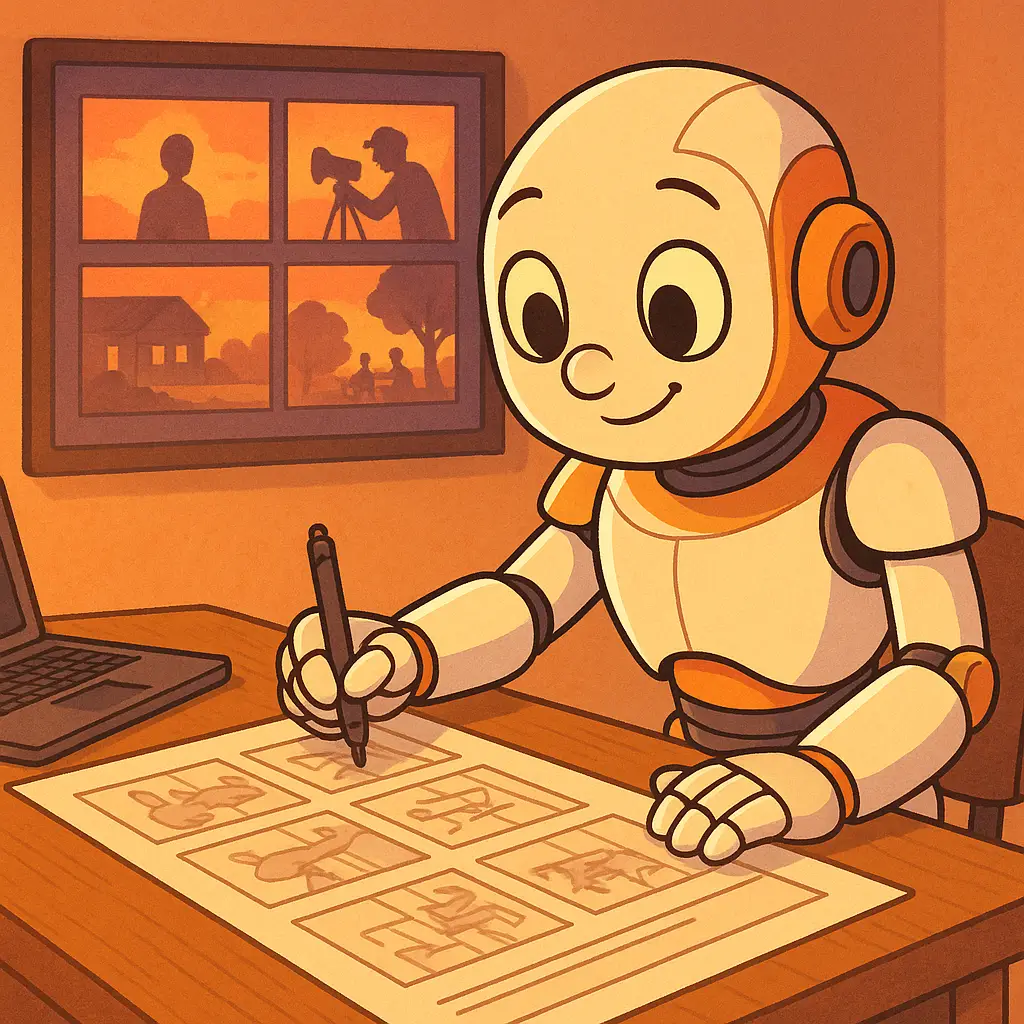
The benefits are twofold: speed and breadth of exploration. Tight deadlines often force teams to converge on one or two safe ideas early, but AI allows rapid prototyping of many concepts. Tools like Boords offer AI-assisted storyboarding where you input a script or shot list and get storyboard frames or even animatics generated for you. Now, shooters can visualize scenes much earlier; AI can turn a script into a sequence of images or a slideshow, allowing the team to spot what works and what doesn’t before a single frame is shot. This AI-generated pre-visualization can inspire better camera angles or art direction that might not have been obvious from the text alone.
In short, AI in pre-production is about making the ideation phase richer and the planning phase smarter. Creative teams can indulge in more “what if?” experiments, backed by the wild ability of generative AI. The outcome is often a more solid creative direction that everyone (clients, directors, AND editors) can visualize and agree upon early, reducing costly pivots later. And importantly, it gives creatives more freedom to be... well, creative, because the heavy lifting of research and draft generation is shared with a tireless digital assistant.
AI in Editing: Intelligent Cuts, Transitions, and Creative Co-Pilots
Once you have your footage - whether from a shoot or stock libraries - the real art of editing begins. This is where AI has stepped in as a clever “co-pilot” in the edit suite. We’re not just talking about trivial tasks like auto-cutting silences or syncing clips to music (though those are handy time-savers); we’re talking about AI making creative suggestions in context, almost like a tireless junior editor working by your side. Modern AI-driven editing tools can analyze scenes and propose edits or effects that fit the context, effectively acting as an assistant with unlimited stamina and a growing sense of storytelling.
Importantly, today’s AI editing tools are beginning to understand why certain edits work, not just executing commands blindly. If you have an hour of interview footage, an AI like Adobe Premiere Pro’s Sensei or a specialized tool like Wisecut can transcribe the entire interview and identify the strongest soundbites – say the moments where the interviewee is most energetic or on-point, then string those together while cutting out the “ums,” stutters, and long pauses. The result isn’t a polished final edit (at least not yet), but it provides a competent starting timeline in minutes instead of hours. Many social media teams are already using these AI tools to produce quick promo edits and vertical videos from longer content, saving editors from the mind-numbing work of making dozens of variants. The real power of AI in editing is speeding up all the boring parts of the process that eat up time but don’t really demand creative decision-making.
Crucially, AI-driven editing is as much about augmenting human creativity as it is about automation and efficiency. These “co-pilot” features are tools that editors can choose to follow or not, and they often spark new ideas. Junior editors or those less experienced can lean on AI suggestions to achieve professional-looking results more easily – essentially gaining a smart guide that offers recommendations. At the same time, senior editors can use AI to break out of their usual habits. We all know how easy it is to get stuck in a creative rut, making the same safe editing decisions out of routine.
AI in Post-Production: Consistency and Personalization
Post-production often involves polishing the edit and preparing many different deliverables. This is a stage where AI shines at both microscopic and massively scaled tasks. The advanced AI applications in post-production are transforming how we ensure consistency in branding and how we tailor content for specific segments.
First, let’s talk about consistency and quality enhancement. Ensuring that all clips in a video have a consistent color grade, or that all the sound levels are balanced, can be painstaking. AI tools are now extremely good at this kind of optimization. Topaz Labs’ AI can upscale footage, reduce noise, and even fix blurry shots by inventing detail with trained models, allowing editors to salvage shots that would otherwise be unusable. If you accidentally shot one interview in HD instead of 4K, AI upscaling can make it crisp enough to intercut with higher-res footage – a lifesaver for maintaining visual quality. Similarly, Adobe’s AI-based Auto Color Match can take a reference image or clip (say, the perfectly graded hero shot approved by the brand team) and automatically grade all other clips to match that style. AI can analyze each video frame’s lighting and color, then adjust it to match the desired tone, ensuring a uniform look throughout the video. This kind of color consistency is essential in branded content where the “feel” of the colors often conveys brand identity (imagine all Coca-Cola videos having that warm, vibrant tone).
Beyond ads, AI is enabling multi-platform versioning with ease. Need your 16:9 YouTube ad cut down to a 9:16 Instagram story? AI can auto-reframe the video, tracking the key subject so that it stays in the center of the vertical crop, and even re-pack the text graphics for the new aspect ratio. Have a 60-second spot but also need a 15-second teaser? AI tools can identify the most salient segments of the video (perhaps based on where viewer engagement peaks, using predictive models) and generate a tight 15s cut for you to approve. This is already in practice with some content marketing teams: they’ll produce a long-form video like a webinar or a product demo, and use AI to automatically generate a dozen short clips optimized for different channels – one emphasizing a sentimental moment for Facebook, another a quick product feature for Twitter, etc. OpusClip, for example, uses AI to find key moments in long videos and turn them into short, platform-optimized clips.
One more advanced use-case worth noting in post-production is in the realm of visual effects (VFX) and compositing. AI is radically changing how certain VFX tasks are done, taking work that would require a team of artists weeks to accomplish and doing it in a fraction of the time. Tools like Autodesk Flow Studio can automatically animate, light, and composite computer-generated characters into live-action scenes. In practical terms, you upload your raw footage (say of an actor walking through a scene) and a 3D model of a fictional character, and the AI will replace the actor with the CG character – matching the movement, camera angles, lighting, and even the actor’s facial performance to some extent. This eliminates the need for motion-capture suits or frame-by-frame animation in many cases.
In short, AI in post-production offers a blend of precision and scale. On one hand, it fine-tunes every pixel and decibel to meet a desired quality benchmark or brand style; on the other, it explodes one piece of content into infinite variations, each optimized for a particular viewer or platform. For post-production leads tasked with delivering dozens of outputs, it’s like having an automated assembly line that still respects craftsmanship guidelines. And for brands, it opens up the possibility of truly personalized video marketing – where the right message can reach the right person at the right time, without having to produce a hundred completely separate videos by hand. As generative AI continues improving, we can expect even more mind-bending capabilities, like fully AI-generated 3D scenes or real-time localized content, to become part of the post-production toolkit. The key is that editors and post producers will oversee these AI systems, guiding them with creative intent and brand knowledge, to produce content that’s both efficient and emotionally effective.