
How to Work with a Freelance Video Editor
Freelance video editors bring agility and creative firepower to branded content, but only if you manage them right. Learn proven strategies for briefing, collaborating, and reviewing edits efficiently.
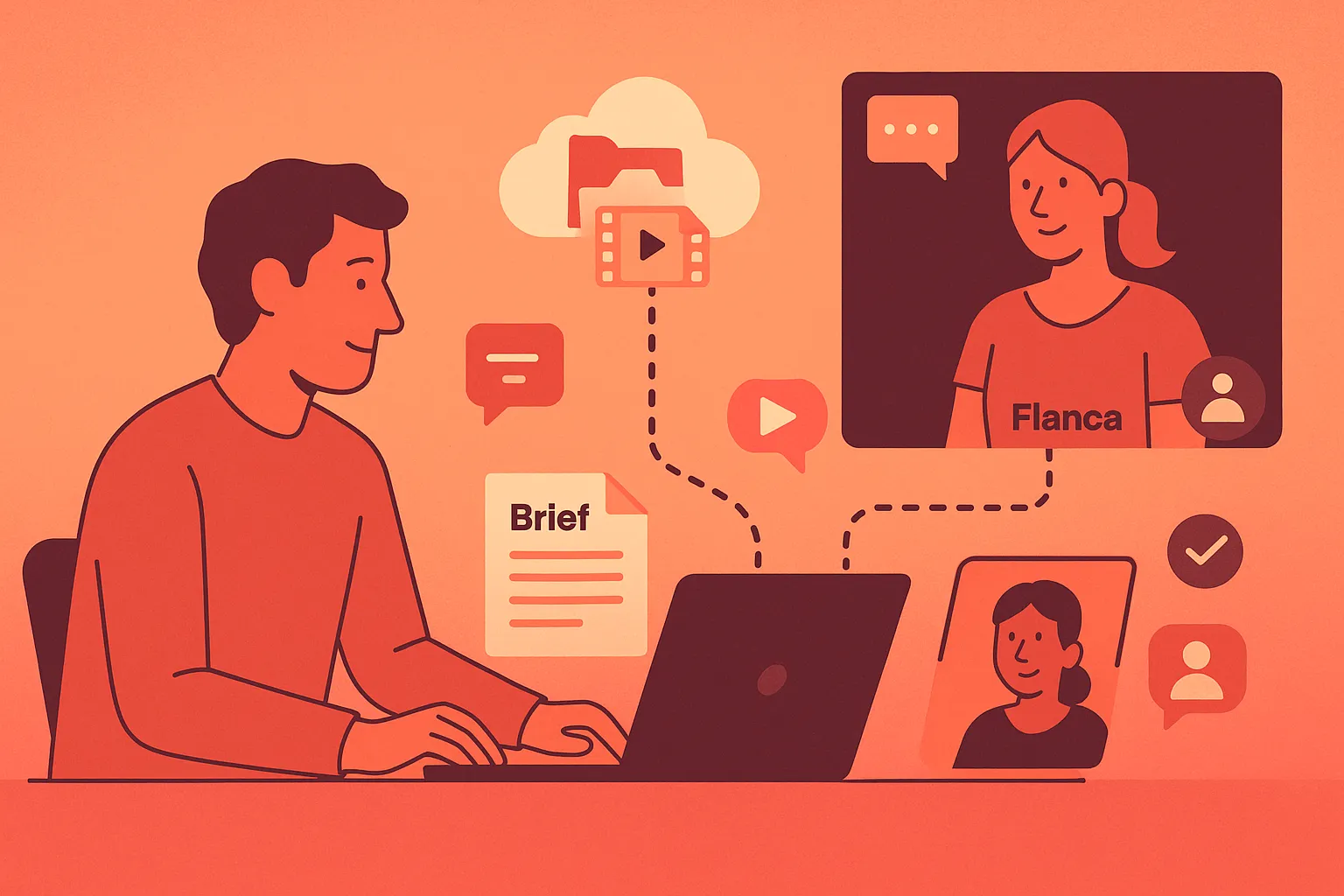
In today’s fast-paced agency world, freelance video editors are critical to executing high-quality branded content and social media campaigns. They offer agility, creativity, and access to specialized skill sets without the overhead of full-time staff. However, maximizing their contribution requires more than handing off footage and waiting for the final cut. For creative directors, post supervisors, and in-house teams, working with freelance editors (especially remotely) requires a clear, collaborative process.
1. Selecting the Right Editor
Successful collaborations begin with selecting the right partner - not just the most technically skilled one. A freelance editor’s portfolio should demonstrate experience with the type of content you’re producing, but just as importantly, their creative instincts should align with your brand’s tone, pacing, and visual identity.
When evaluating potential editors, ask:
- Have they edited for similar brands or platforms?
- Do they understand tone nuances across different content types (e.g., high-gloss brand work vs. native-feeling social content)?
- Can they demonstrate independent problem-solving and creative judgment?
Take the time for an introductory call to assess compatibility. You’re not just hiring execution -you’re engaging a temporary creative partner.
2. Defining the Brief
Even the most experienced editor can’t read your mind. Clear, detailed briefs reduce friction and revision cycles. A strong brief should include:
- Creative direction: tone, narrative intent, editing style, reference examples (with timecode notes where relevant)
- Deliverables: formats, durations, aspect ratios, language/localization requirements
- Timeline: project kickoff date, delivery milestones, deadlines, and review windows
- Technical specifications: frame rate, resolution, captioning, color grade requirements, music licensing needs
If your project is part of a series or campaign, offer additional brand context or historical examples. Use Loom or screen recordings if helpful; visual explanation accelerates alignment.
3. Asset Delivery and Project Setup
A clean hand-off saves hours down the line. For remote editors, clarity and structure are everything. Set up a shared folder (e.g., Google Drive, Dropbox, or Frame.io) with something like the following structure:
/PROJECT_NAME
/01_RawFootage
/02_Assets_Branding
/03_Assets_Music_SFX
/04_References
/05_Editor_Working
Include a project brief document, brand guidelines, naming conventions, and any motion graphics templates. If your agency follows specific Premiere Pro or DaVinci workflows, share them. Include a "Read Me" document outlining what’s in each folder and any key instructions. This prevents unnecessary back-and-forth. Packaging these how-tos for reuse is a level up here.
4. Collaboration and Communication
One of the biggest risks in remote editing workflows is silence. Set expectations around communication cadence early:
- Will there be scheduled check-ins (e.g., every three days, at rough/fine/final stages)?
- How should progress updates be delivered (e.g., via Slack, Notion, email, video walkthroughs)?
- Who provides creative feedback, and who has final sign-off?
Avoid fragmented feedback from multiple team members. Assign a single point of contact who collects and consolidates input. Use time-stamped comments (via Frame.io, Vimeo Review, or a Google Doc) to speed up revisions. Make time for a live review session if the edit is complex or high-stakes. The opportunity to talk through a near-final cut synchronously can dramatically reduce misunderstandings.
5. Managing Review and Revisions
Feedback is where many freelance collaborations break down. Vague comments like "can you make it pop more?" waste time and breed frustration. Instead, use actionable, time-coded notes tied to the creative objectives laid out in the brief.
Structure your review process:
- Round 1 (Rough Cut): structural feedback - story arc, pacing, key messaging
- Round 2 (Fine Cut): detailed notes - transitions, music timing, motion graphics
- Round 3 (Final Cut): technical checks - color, audio balance, export compliance
Clarify from the beginning how many rounds of revision are included. If the scope changes mid-project (e.g., the client asks for a different format), address additional fees or timeline adjustments transparently.
6. Wrapping Up the Project
The project isn’t done when the file is delivered—it’s done when the closeout is handled professionally. Ensure you:
- Approve and archive final files
- Request and store working project files in case of future updates
- Pay promptly, per your agreed-upon terms
- Acknowledge outcomes and performance (both internally and with the editor)
If the editor delivered well, let them know. Building a bench of trusted freelancers depends on treating every project (no matter how tactical) as the beginning of a potential long-term collaboration.
Final Thoughts
Working with freelance editors isn’t just about outsourcing—it’s about plugging flexible creative firepower into your existing systems. When you align strategically around process, expectations, and communication, a freelance editor can deliver not just a strong video, but real lift for your brand or client.
Invest in the relationship, project by project. It pays off in future speed, trust, and quality.
These tips will definitely help you work with a freelance editor more easily - but at Popcut, we’ve built our entire model to eliminate the most common friction points in working with freelance editors - from messy handoffs to unclear feedback loops. Our process combines the creative flexibility and quality of work of elite freelancers with the structure and reliability of an in-house team. Whether you’re working with us or managing editors on your own, these best practices will make any collaboration smoother and more effective. But when you do work with Popcut, you’ll find it’s not only easier to get great edits—it’s easier to get the exact edits you want every time.